
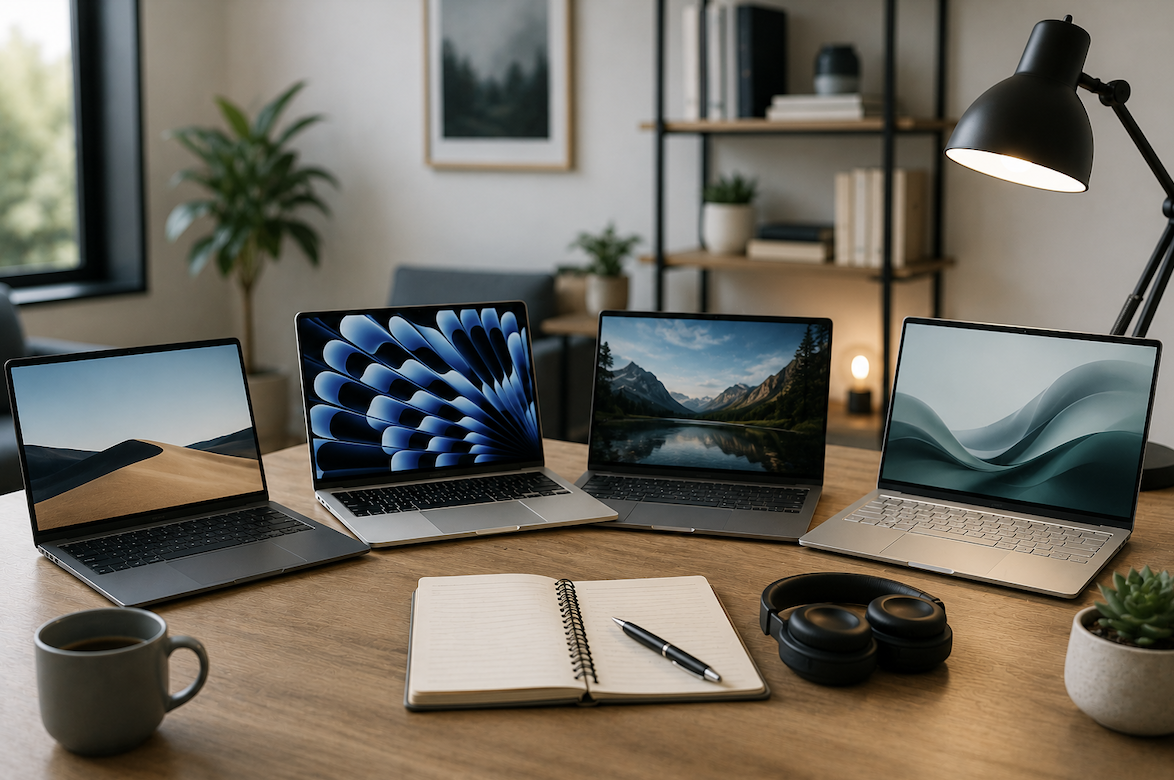
Shopping for a laptop specifically suited to remote work involves genuinely different priorities than choosing a device for gaming, casual browsing, or creative work, yet many people end up purchasing based on generic specifications without considering what actually matters for their particular daily work routine. Understanding the genuine priorities for remote work productivity helps you make a more informed, appropriate choice.
Why Remote Work Genuinely Requires Different Priorities
Understanding what genuinely distinguishes remote work laptop needs from other common use cases provides useful context before diving into specific technical considerations worth prioritizing.
- Remote work often involves extended video calls, requiring reliable camera and microphone quality
- Multitasking between numerous applications simultaneously benefits significantly from adequate memory
- Battery life matters considerably more for people working from various locations throughout the day
- Portability becomes genuinely important for anyone who works from multiple locations regularly
This combination of priorities genuinely differs from, say, a gaming-focused laptop, which might prioritize raw graphics processing power over battery life and portability, meaning simply choosing a laptop based on general popularity or price alone often results in a device that does not actually suit your specific remote work needs well.
Why Processor and Memory Genuinely Matter for Multitasking
Remote work frequently involves running numerous applications simultaneously, from video conferencing software to web browsers with countless open tabs to productivity applications, making adequate processing power and memory genuinely important considerations.
- Sufficient memory allows smooth multitasking without frustrating slowdowns when switching between applications
- A capable processor ensures video calls and other demanding applications run smoothly without lag
- Insufficient memory specifically tends to cause noticeable performance issues during typical remote work multitasking
- Consider your genuine typical workflow when evaluating how much processing power you actually need
This multitasking consideration deserves particular emphasis, since many remote workers genuinely underestimate how demanding their typical workflow actually is until they experience the frustration of a sluggish laptop struggling to keep pace with a video call, several browser tabs, and a document editor all running simultaneously throughout a typical workday.
Why Battery Life Genuinely Matters More Than Many Realize
Unlike a desktop computer permanently connected to power, a laptop’s battery life directly affects your genuine flexibility to work from different locations without constantly searching for an available outlet.
- Longer battery life provides genuine flexibility to work from cafes, co-working spaces, or while traveling
- Video calls tend to drain battery considerably faster than more basic tasks like document editing
- Manufacturer-advertised battery life often reflects best-case scenarios rather than realistic, demanding usage
- Consider your actual typical workday battery demands rather than relying solely on marketing specifications
Why Camera and Microphone Quality Genuinely Affects Your Professional Presence
Given how central video calls have become to remote work, the quality of your laptop’s built-in camera and microphone genuinely affects how you present yourself professionally during these interactions.
- Built-in webcam quality varies considerably between different laptop models and price points
- Microphone quality affects how clearly colleagues and clients actually hear you during calls
- Poor camera or microphone quality can genuinely create an unprofessional impression during important calls
- Consider whether investing in external accessories might better address this specific need than upgrading the entire laptop
Evaluating Display Quality for Extended Daily Use
Since remote workers typically spend considerable hours looking at their laptop screen throughout the day, display quality genuinely affects both productivity and physical comfort over extended use.
- Screen resolution affects how much content you can comfortably view without excessive scrolling or zooming
- Display brightness matters for working in various lighting conditions, including outdoor or well-lit spaces
- Eye strain from extended screen time can be genuinely reduced by choosing an appropriately sized, quality display
- Consider whether a larger screen or external monitor compatibility better suits your typical working setup
Why Portability and Build Quality Deserve Genuine Consideration
For remote workers who move between locations, whether different rooms at home, co-working spaces, or while traveling, a laptop’s physical portability and durability become genuinely practical considerations.
- Lighter, more compact laptops genuinely ease the burden of frequent transport between locations
- Sturdy build quality matters for laptops that will experience more handling and movement than a stationary desktop
- Consider your genuine typical mobility needs when weighing portability against other specifications
- A laptop that feels genuinely comfortable to carry regularly supports more consistent, flexible remote work habits
Practical Considerations for Connectivity and Ports
Modern remote work often requires connecting various peripherals and accessories, making a laptop’s available ports and connectivity options a genuinely practical consideration worth evaluating before purchase.
- Consider how many USB ports and what types you genuinely need for your typical accessories
- Evaluate whether you need a laptop with a dedicated Ethernet port for more reliable internet connections
- Check compatibility with external monitors if your work setup includes or might include additional displays
- Consider whether you will need adapters for older peripherals if choosing a laptop with more limited port selection
Setting a Realistic Budget Based on Genuine Priorities
- Identify your genuine top priorities among battery life, processing power, display quality, and portability
- Avoid paying extra for specifications that genuinely exceed your actual typical remote work needs
- Consider that camera and microphone quality sometimes gets overlooked despite its genuine importance for calls
- Research specific models with reviews focusing on genuine remote work performance rather than gaming benchmarks
Why Storage Type Genuinely Affects Everyday Responsiveness
Beyond the more commonly discussed specifications, the specific type of storage drive a laptop uses genuinely affects how responsive it feels during typical daily remote work tasks, an often overlooked consideration compared to more heavily marketed specifications.
Laptops using faster storage technology generally boot up more quickly, launch applications with noticeably less delay, and handle file transfers considerably faster than laptops relying on older, slower storage technology. For remote workers who frequently switch between applications, save and load documents throughout the day, or need their laptop to wake quickly from sleep for an unexpected call, this storage speed difference genuinely translates into a meaningfully smoother daily experience, even though it often receives less marketing attention than processor speed or memory capacity.
- Faster storage technology genuinely improves everyday responsiveness beyond raw processing power alone
- This affects boot time, application launching, and file transfer speeds during typical daily tasks
- Storage speed matters particularly for workers who frequently switch tasks or need quick laptop wake times
- This specification deserves genuine consideration despite receiving less marketing emphasis than other specs
Final Thoughts
Choosing the right laptop for remote work comes down to genuinely prioritizing the specific factors that affect your daily productivity, including adequate memory for multitasking, reliable battery life, and quality camera and microphone performance for video calls. Taking the time to honestly assess your actual typical workflow, rather than simply choosing based on general popularity or price alone, helps ensure your investment genuinely supports rather than hinders your daily remote work experience.
- Read more about Newolt
Frequently Asked Questions
1. How much memory do I genuinely need for typical remote work tasks?
This depends on your specific workflow, though many remote workers find that having comfortably more memory than the absolute minimum genuinely prevents frustrating slowdowns during typical multitasking involving video calls and multiple applications running simultaneously.
2. Is it worth paying extra for a laptop with better battery life specifically?
For remote workers who genuinely value flexibility to work from various locations without constant access to power outlets, investing in better battery life often provides meaningful, tangible daily benefit that many users report appreciating considerably.
3. Should I prioritize a laptop’s built-in camera quality or plan to use an external webcam?
This depends on your specific budget and priorities, since a genuinely capable external webcam can compensate for a laptop’s more limited built-in camera, though this does add an additional accessory to manage and transport if you frequently work from different locations.
4. Do I need a dedicated graphics card for typical remote work tasks?
Most standard remote work tasks like video calls, document editing, and web browsing do not genuinely require a dedicated graphics card, making this specification more relevant for creative professionals working with video editing or design software specifically.
5. How often should I expect to replace a laptop used primarily for remote work?
This varies by usage intensity and build quality, though many remote workers find a well-chosen laptop can genuinely serve reliably for several years before performance limitations or battery degradation meaningfully affect their daily productivity.