
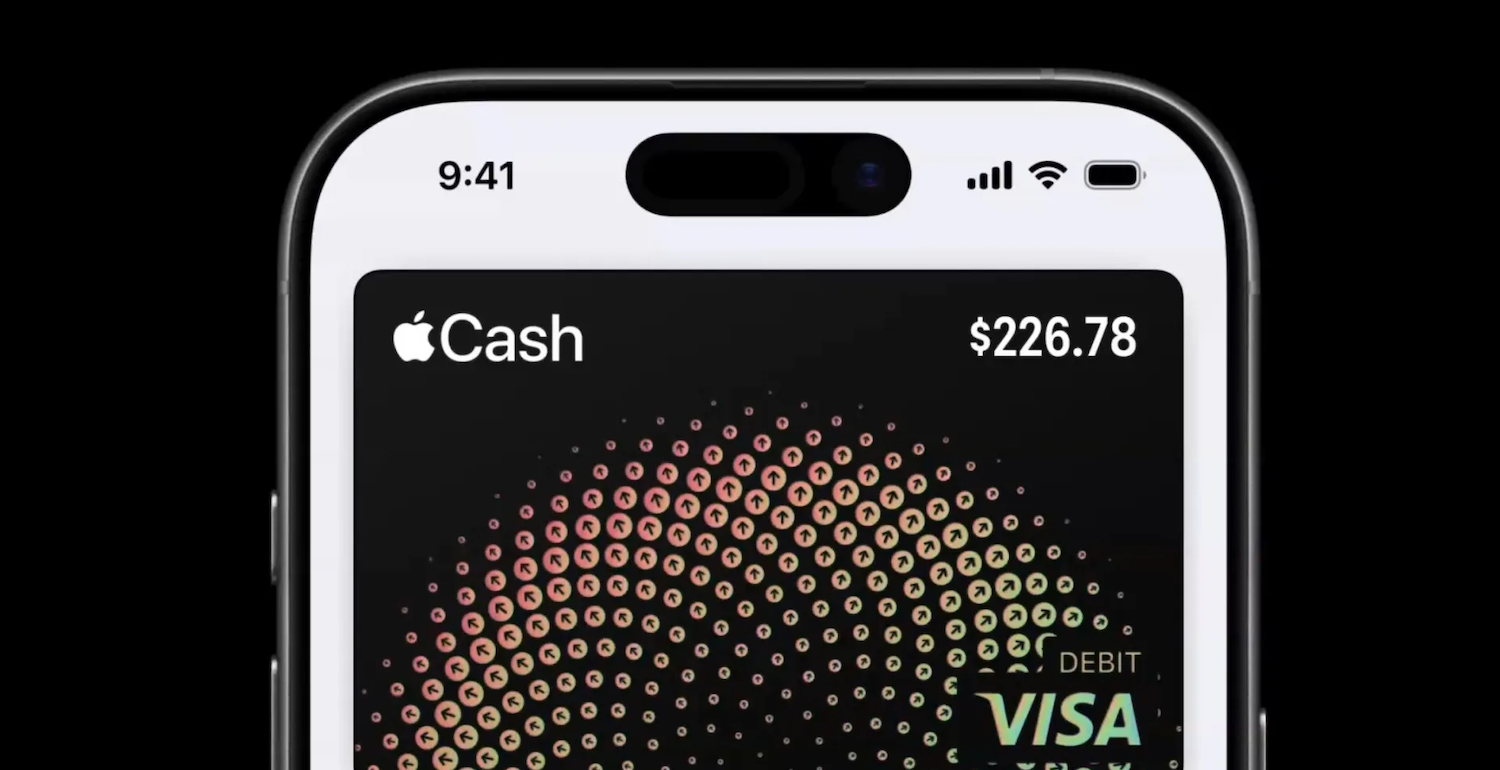
Apple Cash users will soon face higher Instant Transfer fees. Apple has officially announced a pricing update. This change affects users who prefer fast bank transfers. Therefore, understanding the new structure is essential. Moreover, this update impacts frequent Apple Cash users directly.
Apple Confirms New Instant Transfer Pricing
Apple has started notifying Apple Cash users nationwide. The company shared details through official user alerts. Starting February 18, 2026, fees will increase. Instant Transfer will cost 1.7 percent per transaction. Previously, the fee stood at 1.5 percent.
However, Apple kept the minimum fee unchanged. The minimum Instant Transfer fee remains $0.25. Meanwhile, the maximum fee will rise significantly. The new maximum cap increases to $25.
How Much More Will Users Pay
The increase may seem minor at first. However, larger transfers experience the effect more quickly. For instance, sending $1,000 currently incurs a $15 fee. After February 18, the same transfer will cost $17.
Consequently, frequent large transfers become more expensive. Still, Apple positions the change as modest. Nevertheless, costs add up over time. Therefore, users should plan transfers carefully.
What Instant Transfer Means for Apple Cash Users
Instant Transfer allows immediate bank deposits. Funds move from Apple Cash to a bank instantly. There is no waiting period involved. As a result, many users rely on this feature.
Speed remains the primary advantage. However, convenience comes at a growing cost. Thus, users must weigh speed against savings. Fortunately, Apple still offers an alternative.
Free ACH Transfers Remain Available
Apple continues to support standard ACH transfers. These transfers take one to three business days. Importantly, ACH transfers remain completely free. This option suits users without urgent needs.
Therefore, patient users can avoid fees entirely. Additionally, ACH transfers work reliably nationwide.
Hence, choosing ACH can reduce expenses. It remains a smart option for planned transfers.
How to Transfer Apple Cash to Your Bank
Transferring funds remains simple and familiar. First, open the Wallet app on your iPhone. Next, select your Apple Cash card. Then, tap the three-dot menu icon.
After that, choose the “Transfer to Bank” option. Select either Instant or ACH transfer. Finally, confirm the amount and complete the process. The interface remains clean and intuitive.
Apple Cash Availability and Supported Regions
Apple Cash remains limited to the United States. International users still cannot access the service. Within the US, usage continues to grow steadily. Apple integrates Apple Cash deeply into iOS.
Users can send money through Messages instantly. This feature competes with Venmo and Zelle. It also rivals PayPal for peer payments. Therefore, Apple Cash stays highly relevant.
Why This Fee Increase Matters
Fee increases affect trust and usage patterns. Even small changes influence user behavior. Many users prioritize low-cost financial tools. Therefore, transparency becomes critical.
Apple communicated the update in advance. That approach gives users time to adjust. Still, some users may reconsider Instant Transfers. Others may shift to ACH transfers instead.
Tips to Minimize Apple Cash Transfer Fees
Plan transfers ahead whenever possible. Use ACH transfers for non-urgent needs. Bundle transfers to reduce frequency. Avoid multiple small Instant Transfers.
Additionally, monitor transfer amounts carefully. Large transfers trigger higher fees faster. Therefore, timing matters more than ever. Smart planning keeps costs under control.
Final Thoughts on Apple Cash Fee Changes
Apple Cash remains convenient and secure. However, Instant Transfer fees are rising soon. Starting February 18, 2026, users will pay more. The new rate reaches 1.7 percent per transfer.
Meanwhile, free ACH transfers still offer value. Users should compare speed versus cost carefully. Ultimately, informed choices save money. Staying aware ensures a smoother Apple Cash experience.