
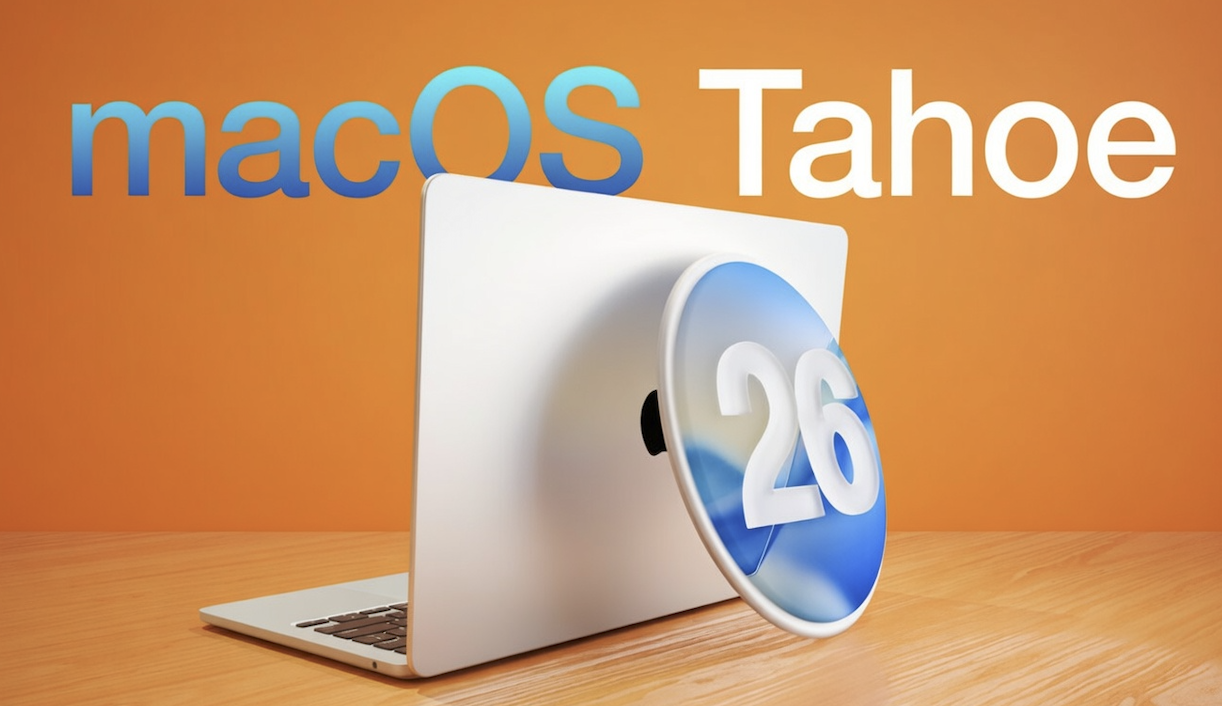
Apple has officially opened the next round of software testing to public beta users. The company has now released the first public betas of iOS 26.5, iPadOS 26.5, macOS Tahoe 26.5, watchOS 26.5, and tvOS 26.5, giving non-developers early access to upcoming features before the final versions roll out.
This update is important for Apple users who like to test new tools early and explore what may be coming to iPhone, iPad, Mac, Apple Watch, and Apple TV. It also gives a clearer look at some of Apple’s next moves, especially in Maps, messaging, and device connectivity.
Apple Expands Beta Access to Public Testers
Public beta releases usually arrive after developer betas, and that is exactly what happened this time. Apple made these new public test versions available a few days after the initial developer seeds went out. The company also updated the iOS 26.5 and iPadOS 26.5 developer betas again before pushing the public builds more widely.
For users enrolled in Apple’s public beta program, downloading the update is simple.
How to install the public beta
Once enrolled through Apple’s beta testing program, users can install the latest beta software by following these steps:
- Open the Settings app
- Go to General
- Tap Software Update
- Choose the available beta release
This process applies to supported Apple devices that are already linked to the beta program.
New Suggested Places Feature Comes to Apple Devices
One of the standout additions in iOS 26.5, iPadOS 26.5, and macOS Tahoe 26.5 is a new Suggested Places feature. This tool is designed to recommend nearby places users may want to visit.
The feature appears to be part of Apple’s growing effort to make Maps more useful for local discovery, not just navigation. Instead of only helping users get from one place to another, Apple now seems more focused on helping people decide where to go in the first place.
Why this feature matters
Suggested Places could be useful in everyday situations such as:
- Finding coffee shops nearby while traveling
- Discovering restaurants in a new area
- Locating useful stops during a road trip
- Exploring local attractions without searching manually
This kind of recommendation system may make Apple Maps feel more competitive in a crowded market where personalized suggestions are becoming standard.
Apple May Be Preparing Ads in Maps
Another notable detail in these beta updates is Apple’s apparent preparation to introduce ads in Maps. While this may not be visible as a major user-facing feature yet, it signals a possible change in how Apple could monetize its mapping platform in the future.
For users, this could mean promoted businesses or featured locations appearing inside Apple Maps. For local businesses, it may eventually create a new way to gain visibility inside Apple’s ecosystem.
RCS Encryption and EU Wearable Support Get Attention
Apple is also testing end-to-end encryption for RCS messages between iPhone and Android users again. If fully implemented, this would be a meaningful step for cross-platform messaging privacy and security.
In addition, users in the European Union may see several third-party wearable improvements, including:
- Proximity pairing
- Notification forwarding
- Live Activities support
These features could help non-Apple wearables work more smoothly with iPhones and related Apple software in EU markets.
Final Thoughts
The first public betas of iOS 26.5, iPadOS 26.5, and macOS Tahoe 26.5 show that Apple is refining both user convenience and platform integration. From Suggested Places in Maps to improved messaging privacy and wearable compatibility, these updates point to a broader strategy focused on smarter services and better connectivity.
For beta testers, this is a good chance to explore upcoming features early. For regular users, it offers a preview of what Apple may soon deliver in stable releases. As always, beta software can include bugs, but it also gives a first look at where Apple’s software experience is heading next.
FAQ
What is included in the first Apple public beta release for iOS 26.5 and macOS Tahoe 26.5?
The first Apple public beta release includes iOS 26.5, iPadOS 26.5, macOS Tahoe 26.5, watchOS 26.5, and tvOS 26.5. These beta updates give public testers early access to upcoming software features before the final version is released.
How can I download the iOS 26.5 public beta?
To download the iOS 26.5 public beta, you need to join Apple’s public beta testing program. After enrolling your device, open Settings, go to General, tap Software Update, and install the available beta update.
What is the Suggested Places feature in iOS 26.5?
Suggested Places is a new feature in iOS 26.5, iPadOS 26.5, and macOS Tahoe 26.5 that recommends nearby places users may want to visit. It is designed to improve local discovery inside Apple Maps and help users find useful spots such as restaurants, cafes, and attractions.
Is Apple adding ads to Apple Maps?
Apple appears to be preparing for ads in Apple Maps. This could mean promoted business listings or recommended places may appear in the Maps app in the future, though the full rollout details are still not clear.
Does iOS 26.5 improve messaging between iPhone and Android?
Yes, Apple is testing end-to-end encryption for RCS messages between iPhone and Android users again. This could improve privacy and security for cross-platform messaging if the feature is fully introduced later.
What new features are coming for third-party wearables in the EU?
In the European Union, Apple is testing support for third-party wearables with features such as proximity pairing, notification forwarding, and Live Activities. These additions may improve how non-Apple wearable devices work with iPhones.
Should I install the Apple public beta on my main device?
It is usually better to install public beta software on a secondary device if possible. Beta versions may contain bugs, app issues, or performance problems, even though they offer early access to new features.
What is the difference between Apple developer beta and public beta?
The developer beta is released first and is mainly intended for app developers to test software compatibility. The public beta comes later and is designed for regular users who want to try new Apple features before the official launch.
When will iOS 26.5 and macOS Tahoe 26.5 be officially released?
Apple has not always confirmed the final public release date right away during beta testing. Usually, the stable version arrives after Apple completes testing and fixes reported issues from both developers and public beta testers.
Are Apple public betas free to use?
Yes, Apple public betas are free. Users only need to register for Apple’s beta testing program and use a compatible device to access and install the beta software.
Read More on Newolt